
Table of Contents
ToggleSmart home tech transforms ordinary houses into connected, automated living spaces. These systems let homeowners control lights, thermostats, locks, and appliances through smartphones or voice commands. The technology has moved from luxury novelty to practical mainstream adoption, and for good reason.
This guide explains what smart home tech is, how it works, and whether it makes sense for different households. By the end, readers will understand the core devices, real benefits, honest drawbacks, and practical first steps toward building a connected home.
Key Takeaways
- Smart home tech connects devices like lights, thermostats, and locks through wireless protocols, allowing control via smartphone apps or voice commands.
- Popular smart home devices include smart speakers, thermostats, video doorbells, and security cameras—each offering convenience and automation benefits.
- Smart thermostats alone can save households $50–150 annually on energy bills, making smart home tech a practical investment.
- Privacy concerns, internet dependence, and compatibility issues are real drawbacks to consider before building a connected home.
- Start your smart home journey by choosing one ecosystem (Alexa, Google Home, or Apple HomeKit) and adding devices gradually based on actual needs.
- Secure your network with strong passwords and two-factor authentication to protect your smart home tech from potential hackers.
How Smart Home Technology Works
Smart home tech connects devices through wireless communication protocols. These protocols include Wi-Fi, Bluetooth, Zigbee, Z-Wave, and Matter. Each device contains sensors, processors, and network connectivity that allow remote operation and automation.
A typical smart home setup includes three main components:
- Smart devices – The physical products like bulbs, locks, cameras, and thermostats
- A hub or controller – A central unit that coordinates communication between devices (though many modern devices work hub-free)
- An app or voice assistant – The interface users interact with to control everything
Here’s how the process actually works: A user gives a command through an app or says “turn off the living room lights” to a voice assistant. That command travels to a cloud server, which interprets it and sends instructions back to the specific device. The light turns off. The whole process takes about a second.
Some smart home tech operates locally without cloud servers. This approach offers faster response times and works during internet outages. But, cloud-based systems typically provide more features, remote access, and easier setup.
Automation takes smart home tech further. Users can create routines or “scenes” that trigger multiple actions at once. For example, a “goodnight” routine might lock all doors, turn off lights, lower the thermostat, and arm the security system, all from a single command or scheduled time.
Common Types of Smart Home Devices
Smart home tech spans dozens of product categories. Here are the most popular devices homeowners install first:
Smart Speakers and Displays
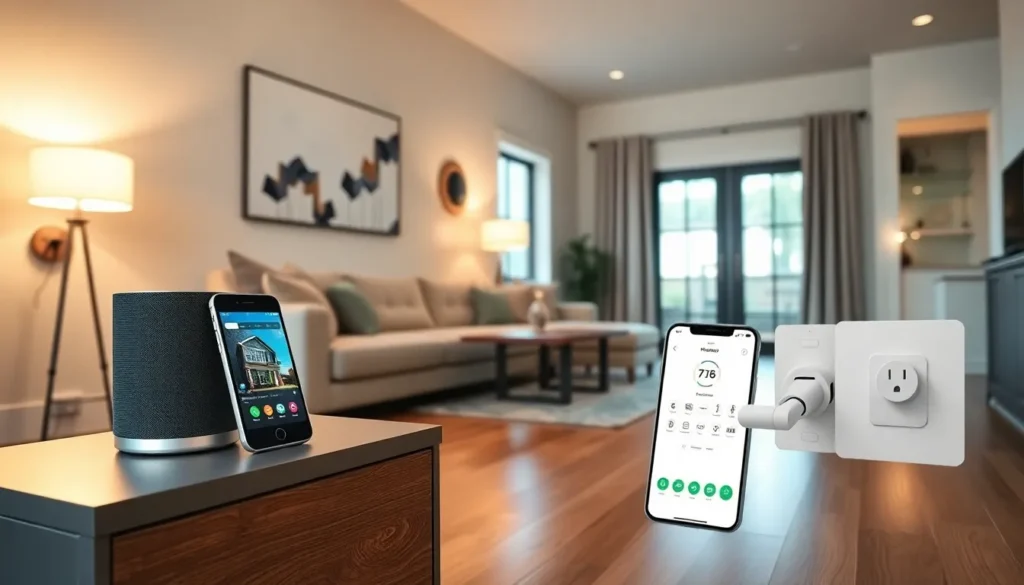
Amazon Echo, Google Nest, and Apple HomePod devices serve as voice-controlled command centers. They play music, answer questions, and control other smart home tech through simple voice commands.
Smart Lighting
Philips Hue, LIFX, and similar brands offer bulbs that dim, change colors, and operate on schedules. Smart switches and plugs can make existing lamps controllable too.
Smart Thermostats
Nest, Ecobee, and Honeywell thermostats learn household patterns and adjust temperatures automatically. Many users report 10-15% savings on heating and cooling bills.
Smart Locks and Doorbells
August, Schlage, and Yale make locks that open via smartphone, code, or fingerprint. Video doorbells from Ring and Google show who’s at the door from anywhere.
Smart Security Cameras
Indoor and outdoor cameras provide live feeds, motion alerts, and recorded footage. Brands like Arlo, Wyze, and Blink offer options at various price points.
Smart Plugs
These simple devices turn any appliance into smart home tech. Plug in a lamp, fan, or coffee maker, then control it remotely or set schedules.
Smart Appliances
Refrigerators, washers, ovens, and vacuums now include connected features. Robot vacuums from iRobot and Roborock have become particularly popular.
Benefits of Smart Home Technology
Smart home tech delivers practical advantages that justify the investment for many households.
Convenience stands out first. Controlling devices from a couch, bed, or across the world saves time and effort. Voice commands eliminate the need to get up, find switches, or manually adjust settings.
Energy savings add up quickly. Smart thermostats optimize heating and cooling. Smart lighting turns off automatically in empty rooms. Smart plugs eliminate phantom energy drain from devices on standby. The Department of Energy estimates smart thermostats alone save households $50-150 annually.
Security improves significantly. Smart home tech provides real-time alerts when doors open, motion occurs, or packages arrive. Remote monitoring lets homeowners check on their property anytime. Smart locks eliminate lost key problems and allow temporary access codes for guests or service providers.
Accessibility matters for many users. People with mobility challenges benefit enormously from voice-controlled smart home tech. Turning on lights, adjusting temperature, or locking doors without physical movement increases independence.
Home value can increase. Many buyers now expect smart home tech as a standard feature. A well-integrated system may help homes sell faster and at higher prices.
Potential Drawbacks to Consider
Smart home tech isn’t perfect. Buyers should understand these limitations before investing:
Internet dependence creates vulnerability. Most smart home tech requires stable internet. Outages can disable devices or limit functionality. Local processing options exist but remain less common.
Privacy concerns are legitimate. Smart speakers listen for wake words constantly. Cameras record video that companies may store on their servers. Users must trust manufacturers with sensitive data. Reading privacy policies and adjusting settings helps, but some risk remains.
Compatibility issues frustrate users. Not all smart home tech works together seamlessly. Apple HomeKit devices may not connect with Google Home. The new Matter standard aims to fix this, but adoption takes time.
Costs accumulate quickly. Individual devices seem affordable, but outfitting an entire home with smart home tech runs into hundreds or thousands of dollars. Subscriptions for cloud storage and advanced features add ongoing expenses.
Technology becomes obsolete. Companies discontinue products, stop supporting apps, or go out of business entirely. Smart home tech purchased today may not function in five years.
Setup requires effort. Even though marketing claims, configuring smart home tech properly takes time. Creating useful automations demands patience and experimentation.
Getting Started With Your Smart Home
Building a smart home works best with a gradual, intentional approach. Here’s how to start:
Choose an ecosystem first. Amazon Alexa, Google Home, and Apple HomeKit represent the three major platforms. Pick one based on existing devices and preferences. Mixing ecosystems creates headaches.
Start with one or two devices. A smart speaker makes a natural entry point, it serves as a controller for future additions. A smart thermostat or a few smart bulbs provide immediate, tangible benefits without complexity.
Focus on actual problems. Smart home tech should solve real issues. Forgetting to lock doors? Get a smart lock. High energy bills? Try a smart thermostat. Avoid buying devices just because they’re “smart.”
Check compatibility before purchasing. Verify new devices work with the chosen ecosystem. Look for Matter compatibility for better future-proofing.
Secure the network. Smart home tech expands attack surfaces for hackers. Use strong, unique passwords. Enable two-factor authentication. Consider a separate Wi-Fi network for smart devices.
Learn automation gradually. Start with simple routines before building complex automations. Most users find that a few well-designed automations provide more value than dozens of half-working ones.


